
Pregnancy tracker, week by week
When your test is positive, switch LineCheck to pregnancy mode.

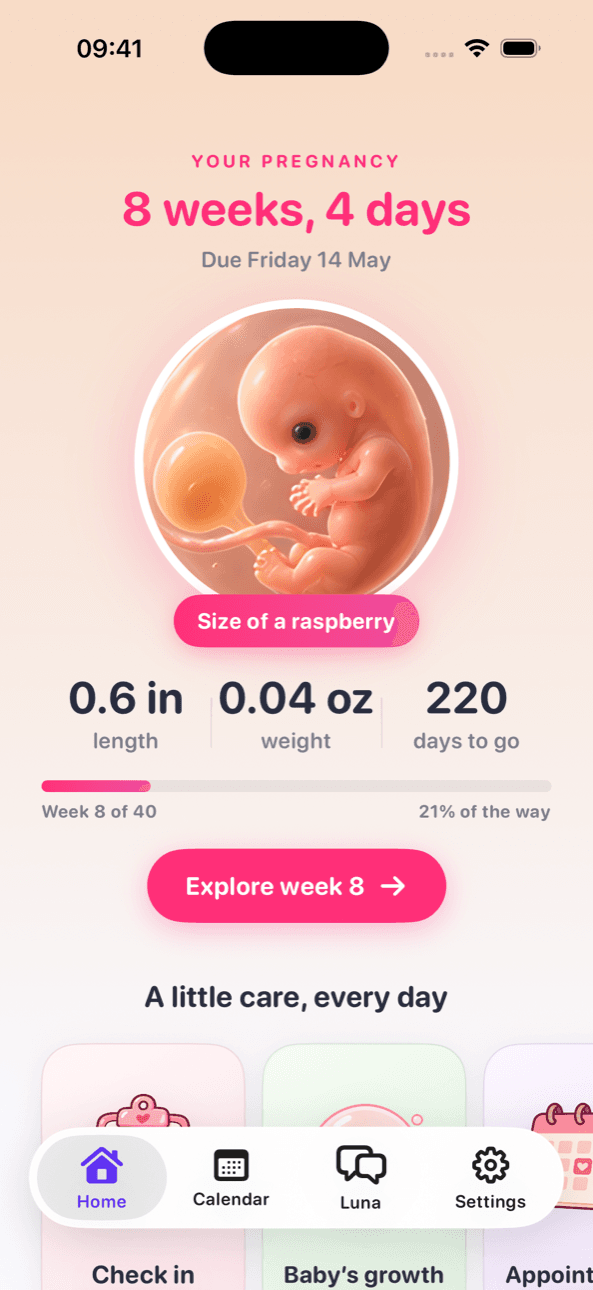
Your baby, week by week
Week 12
About the size of a lime
5.4 cm
2.1 in
Length
14 g
0.49 oz
Weight
Drag to any week.
Typical sizes. Every baby grows differently.
Pregnancy tools
Week by week
Baby’s size, length, weight and what’s new.
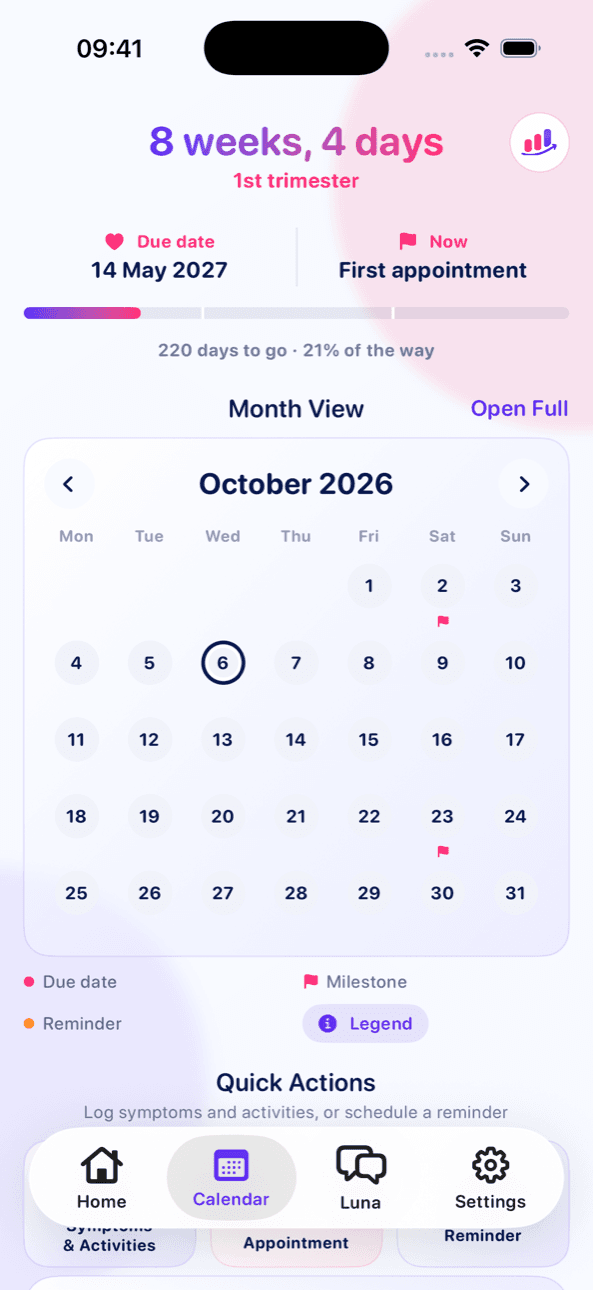
Due date countdown
Days to go and progress through 40 weeks.
Appointments
Reminders and your questions in one place.
Kick counter
Get to know your baby’s usual pattern.
Contraction timer
Length and spacing, ready to describe.
Pregnancy diary
Bump photos, scans and notes, kept private.
Optional Pro extras
Tracking is free. Pro adds:
Weekly updates
A personal note from Luna each week.
Visit summary PDF
Ready to print for appointments.
Baby widget
This week and days to go on your Home Screen.
If your baby’s movements slow down, stop or change, contact your midwife or maternity unit straight away — even at night. The kick counter records movements; it can’t check your baby’s health.
Questions
How does LineCheck work out my due date?
You can enter your due date directly, or the first day of your last period or an IVF transfer date. Dating from the last period assumes a typical cycle, so if an ultrasound gives you a different date, use that one.
Do I have to start a new app once I get a positive test?
No. Switch LineCheck to pregnancy mode and your earlier tests stay in your history while the app moves to week-by-week tracking.
Is the kick counter a way to check my baby is well?
No. It's a way to note movements and get to know your baby's usual pattern. There's no set number of movements you should feel. If movements slow down, stop or change, contact your midwife or maternity unit straight away — don't wait until the next day.
Is the pregnancy content written for my country?
LineCheck adjusts pregnancy wording for US and UK care — for example midwife or OB-GYN, and appointment names — but it's general information. Your own care team's advice comes first.

Start tracking your pregnancy with LineCheck
Available on iPhone and iPad.
Android coming soon