
Luna Check · On-device AI
Read pregnancy and ovulation tests on your phone
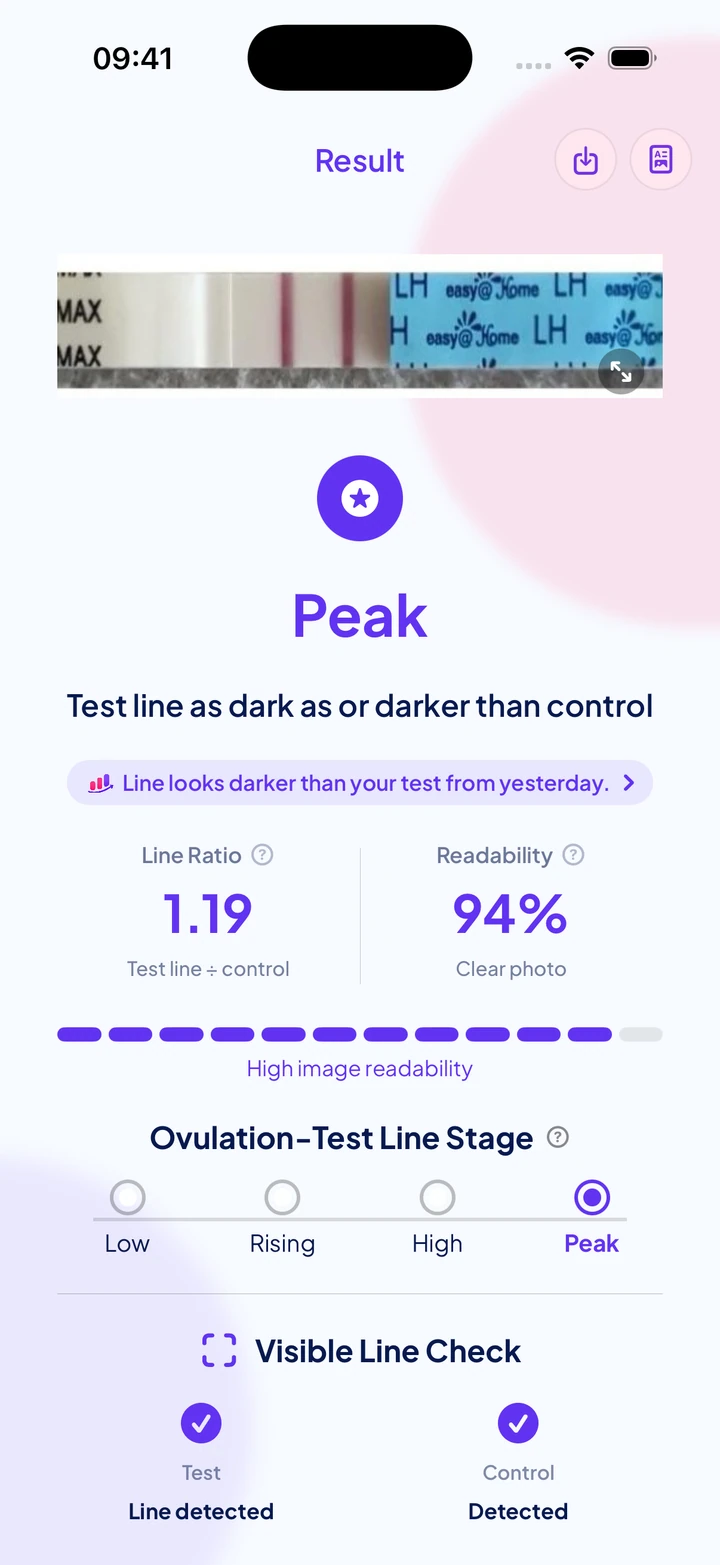
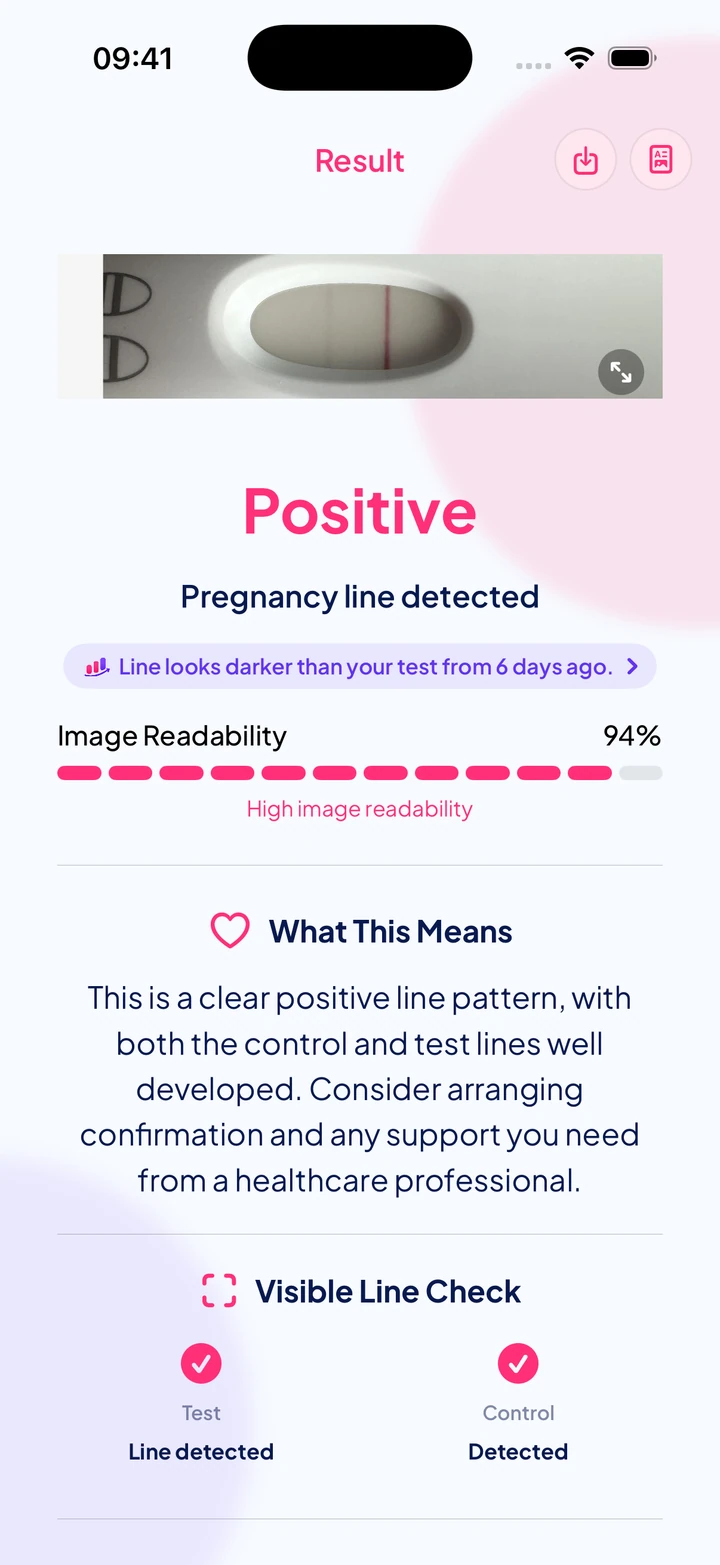
Luna Check, the built-in AI reader, uses models we trained ourselves to read the lines on your phone. It works with any brand of line test, and your test photos aren’t uploaded for analysis.


Free to download · iPhone, iPhone Duo, iPad & Android
Check a test photo here
Turn up the contrast, invert the colours or zoom in on a faint line.
Open the full photo checkerNo photo selected
Open a photo of your test
Choose a photo of your test or drag one here.
Photo controls
More controls
Photo enhancement only. Filters can exaggerate shadows and marks. They cannot confirm pregnancy or tell you whether a line is a true positive. Follow your test’s reading time and instructions. JPG, PNG, WebP or AVIF · up to 15 MB. Adjustments leave your original unchanged. Large photos are resized for this workspace and download.
How the LineCheck app works
Snap your test
Use the camera guide or a photo you already took.
Luna Check reads the lines
Our models, trained on pregnancy and LH tests, check both lines on your phone. No photo upload.
Watch them change
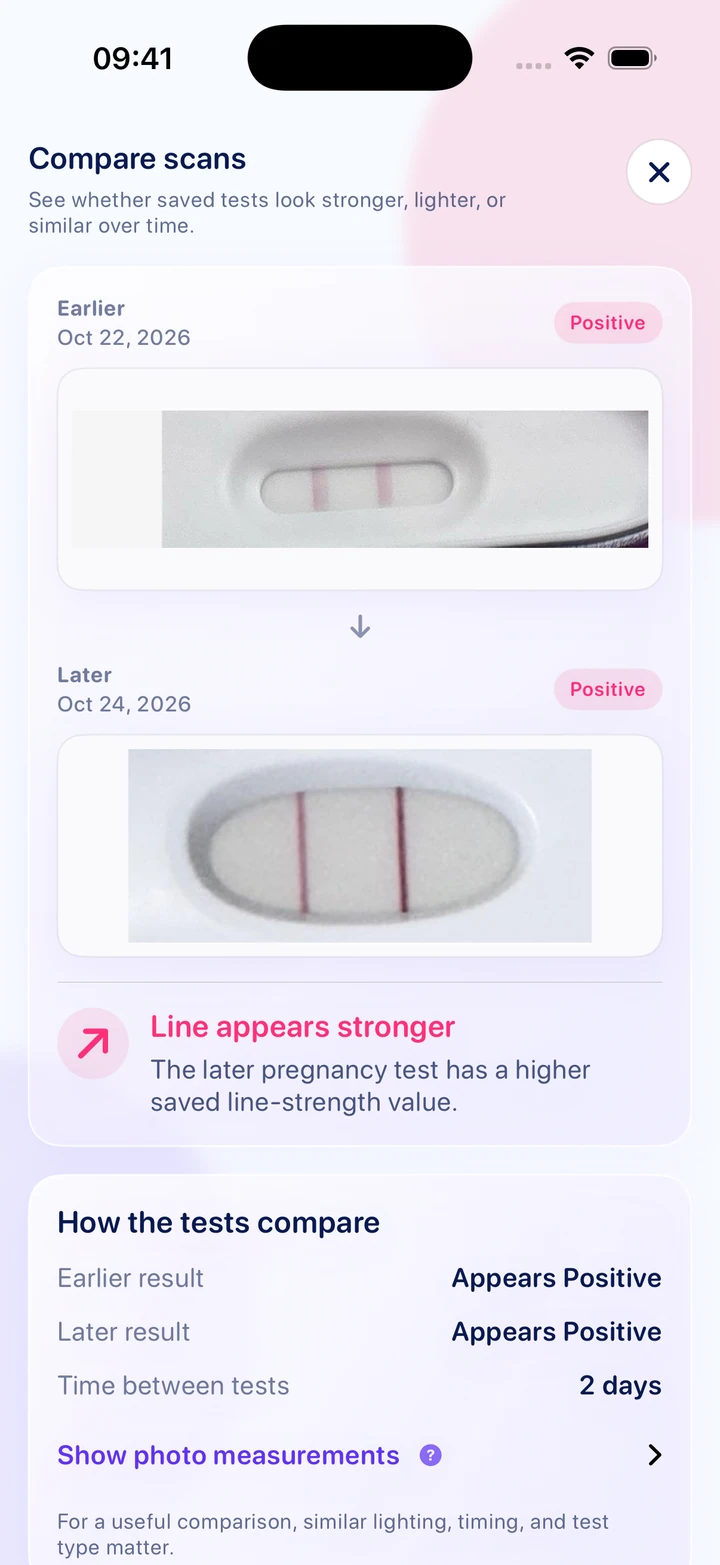
Every test saved in order, ready to compare.
Track your cycle, then your pregnancy
Your cycle at a glance
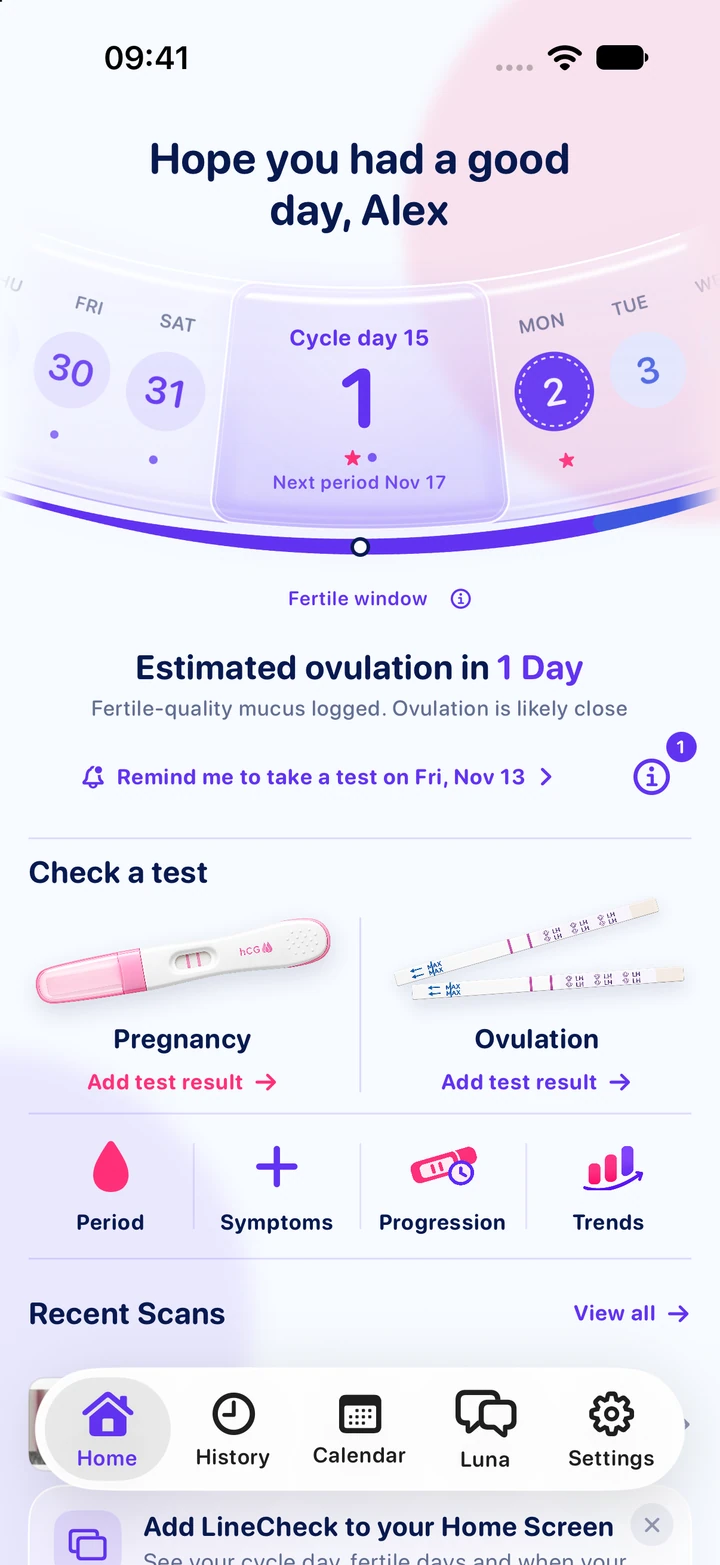
Fertile window and ovulation estimate.
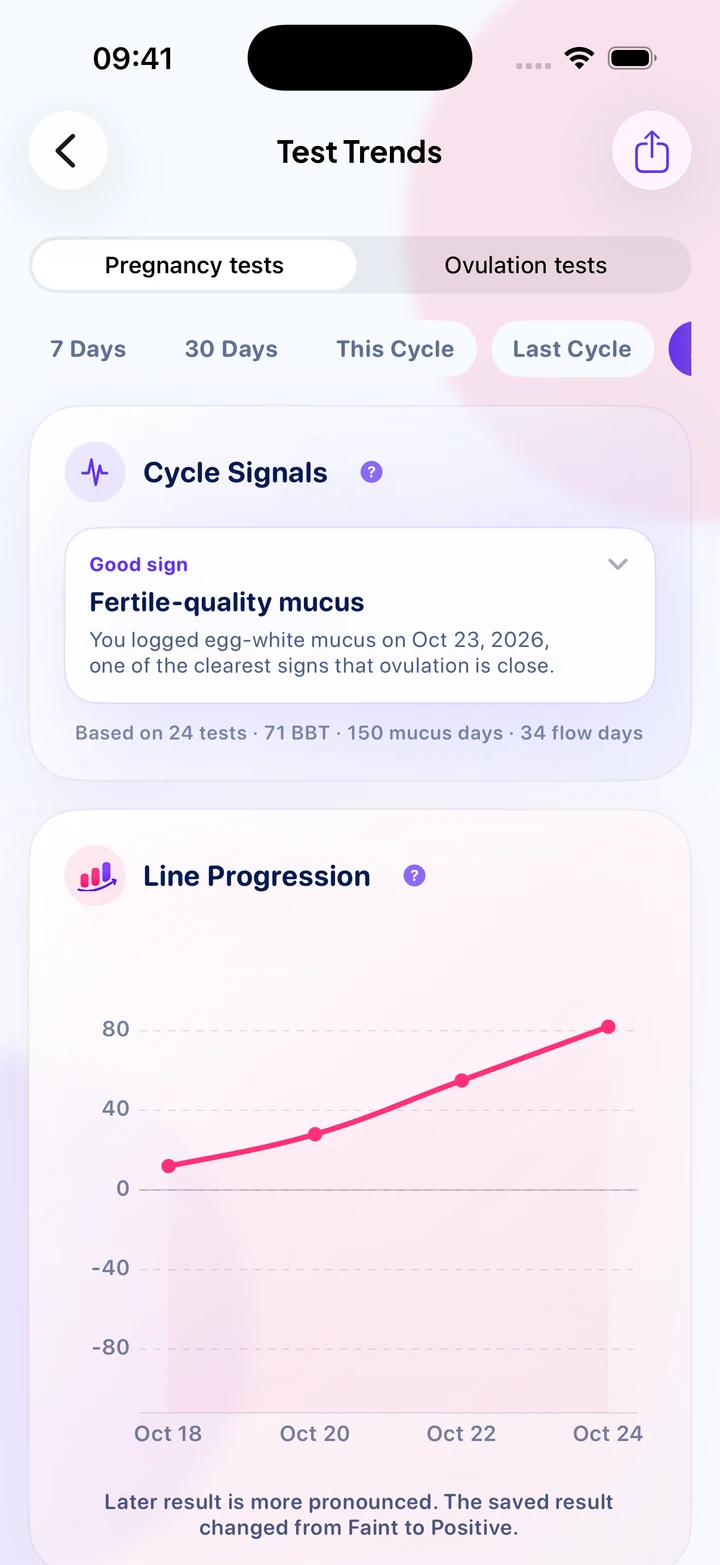
Trend charts
Line strength across days or cycles.
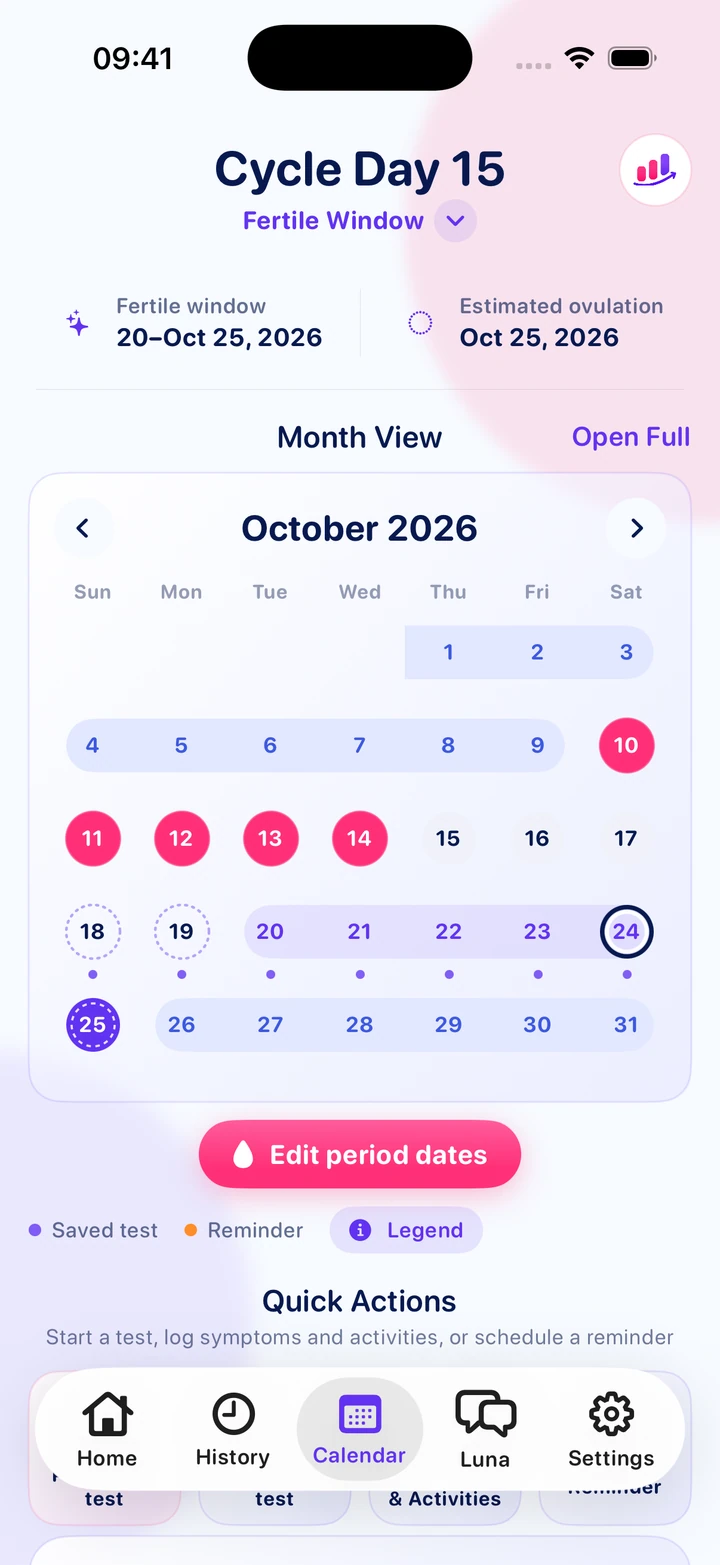
Tests on your calendar
Every scan beside your cycle days.
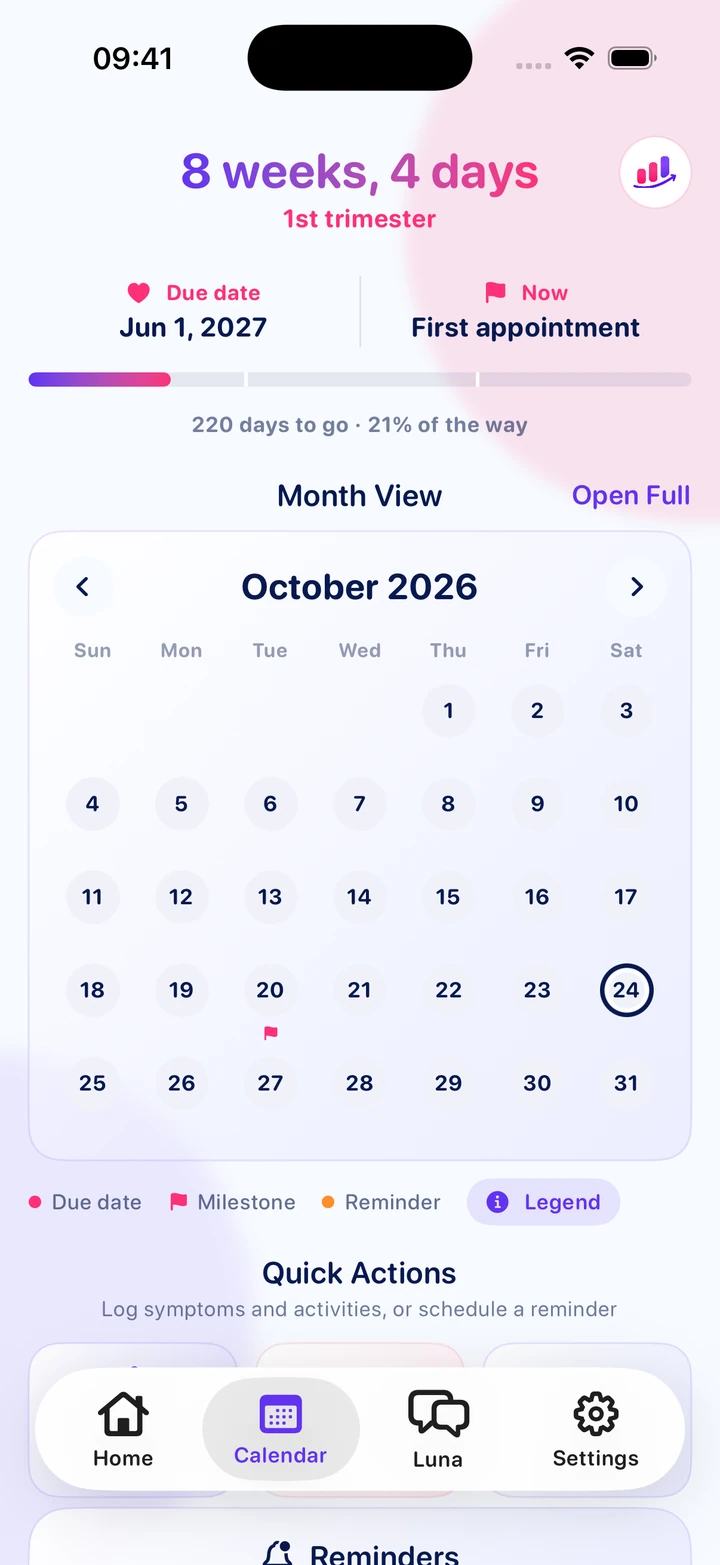
Pregnancy mode
Switch over when your test is positive.
Watch an LH surge build
Drag the slider through one cycle’s ovulation strips.
Line ratio
0.18
Low
Illustration of a typical surge. Always check your test’s instructions.
Your baby, week by week

Week 12
About the size of a Lime
5.4 cm
2.1 in
Length
14 g
0.49 oz
Weight
Drag to any week.
Typical sizes. Every baby grows differently.
Questions about reading your test?
Start with our sourced guides to faint pregnancy lines, test-reader apps and LH ovulation strips.

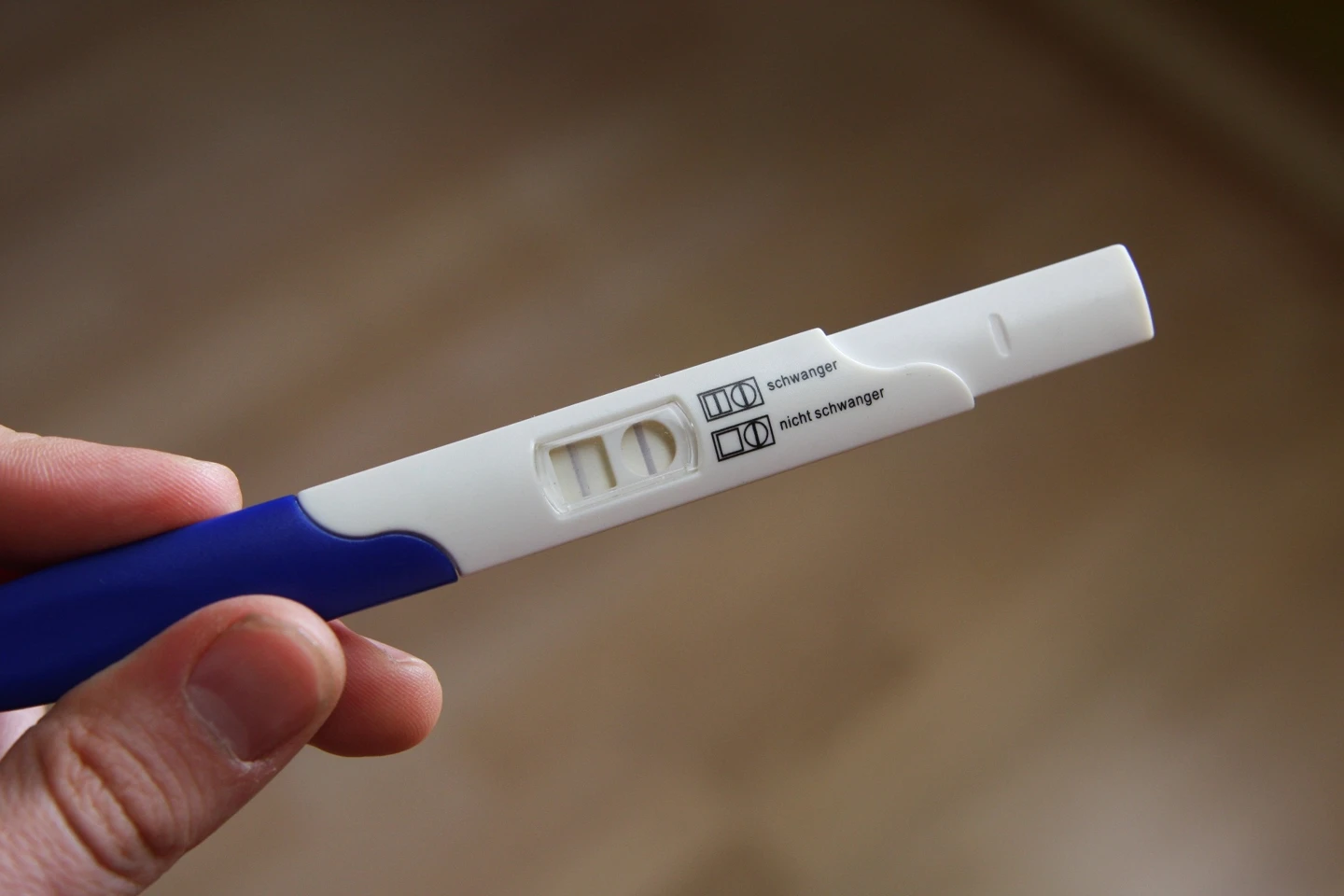

Pregnancy and fertility quizzes
Work out when to test, check a line you’re unsure about, or try the old wives’ tales just for fun.

Free pregnancy and fertility tools
Work out your due date or fertile days, time contractions, or see how big your baby is this week.



Questions
What is LineCheck?
LineCheck is an app by GetSolution for reviewing pregnancy and ovulation test images, comparing saved tests and tracking fertility-related information. It is available for iPhone, including iPhone Duo, iPad and Android. It works with any brand of pregnancy or LH ovulation line test (strips, cassettes and midstream tests), and keeps tests, cycle tracking and pregnancy tracking in one app. Its Luna Check feature uses LineCheck’s own AI models, trained on pregnancy and LH ovulation tests, to check visible test and control lines, image readability and LH test-to-control line ratios on your device. Test photos are not uploaded for scanning or rechecks. Saved tests can be compared side by side and charted over time, and pregnancy mode provides week-by-week tracking. Optional Luna chat and written guidance use online services for text and result context; saved records may use your own iCloud sync or device backup. LineCheck is free to download, with scan allowances and an optional Pro upgrade. It is not a medical device and cannot confirm pregnancy or ovulation.
What is Luna Check?
Luna Check is LineCheck’s built-in AI test reader. We trained our own image models on pregnancy and LH ovulation tests to review visible test and control lines, check photo readability and calculate LH test-to-control line ratios. Scans and rechecks run on your phone without uploading the test photo. Readings are informational and cannot confirm pregnancy or ovulation.
Can LineCheck tell me if I'm pregnant?
No app can confirm a pregnancy from a photo. LineCheck reads the photo of your home test and shows whether a test line looks visible, how readable the image is and how it compares with your earlier tests. A healthcare professional can confirm a pregnancy, usually with a blood test or scan.
Which tests does LineCheck work with?
Any brand of line test. LineCheck reads hCG pregnancy tests and LH ovulation tests that show a control line and a test line: strips, cassettes and midstream tests. That includes First Response, Easy@Home, Pregmate, Wondfo, Premom, Femometer, One Step, Frida and Clearblue’s non-digital tests, pharmacy and supermarket own brands, and cheap strips bought in bulk online. You don’t need a particular brand. Digital tests that display words or symbols don't have lines to compare.
Are my test photos uploaded?
No. Luna Check reads pregnancy and LH ovulation test photos using LineCheck’s own AI models on your device. Photos are not uploaded to a server for analysis, including when you recheck a result. Optional Luna chat and written guidance use relevant text and result context, not your test photos.
Is LineCheck free?
LineCheck is free to download and scanning works in the free version, which includes ads. LineCheck Pro is an optional monthly, yearly or one-time purchase that removes ads and adds extras such as fuller trend charts, AI progression summaries and doctor visit reports.
Can LineCheck predict when I'll ovulate?
LineCheck estimates your fertile window from your cycle history and the tests and signs you log. An estimate isn't a guarantee: ovulation tests detect the LH surge that usually comes before ovulation, but they can't confirm that ovulation happened. LineCheck shouldn't be used as contraception.
Is LineCheck available on Android?
Yes. LineCheck is on Google Play for Android 8.0 or later, and on the App Store for iPhone, iPhone Duo and iPad (iOS and iPadOS 18 or later). Both versions read pregnancy tests and LH ovulation tests on the device. Records and Pro purchases don’t carry over between the App Store and Google Play versions.

Download LineCheck for free
Available on iPhone, iPhone Duo, iPad and Android.